
Shared AI work needs a clear handoff
Microsoft’s Copilot Workspaces brings AI-assisted drafting into a team space. The design test is whether a teammate can see what was decided and pick up the work.
What Microsoft announced
At Ignite on November 17, Microsoft announced that Copilot Workspaces was available through its Frontier program. Workspaces evolves Copilot Notebooks into a shared space where teams can collaborate on documents and use Copilot to surface changes, open issues, and actions. Microsoft says teams will be able to bring Autopilots into Workspaces later.
What the next teammate needs
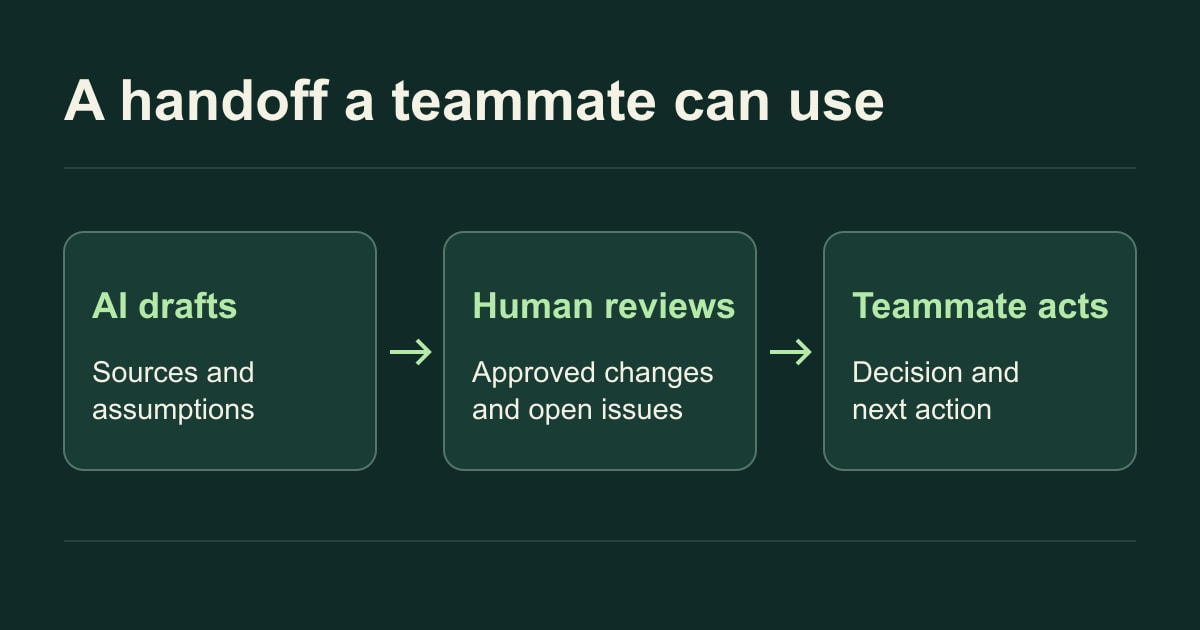
A polished draft can hide the difference between a suggestion, a verified fact, and an approved decision. If a team uses AI to draft a launch brief, the teammate responsible for publishing needs to know where a claim came from, which edits a reviewer accepted, and who can resolve the open questions. Keep that information next to the draft so people can act on it without reconstructing the conversation.
Test the handoff
Give an AI-assisted brief to a teammate who missed the drafting session. Ask them to locate the source for one claim, name the unresolved decision, and identify the next action and its owner. If they have to ask the original drafter, use their first question to decide what the workspace should surface.